
Stay with us and find out where the next one takes us.
- Aerosmith Reunite With Joey Kramer for the Hollywood Bowl – What to Know About “Aerosmith and Friends”? - October 30, 2026
- 10 Cars Involved in the Most Accidents in America, What the Statistics Reveal - October 30, 2026
- Bon Jovi Forever Tour 2027 – Dates, Ticket Prices and Everything Fans Need to Know - October 30, 2026
A professional music video should support the song’s mood, rhythm, lyrics, and artist identity.
Clear planning, strong lighting, focused visuals, and precise editing often matter more than a large budget.
Let’s talk about it in greater detail.
Choose a Clear Concept
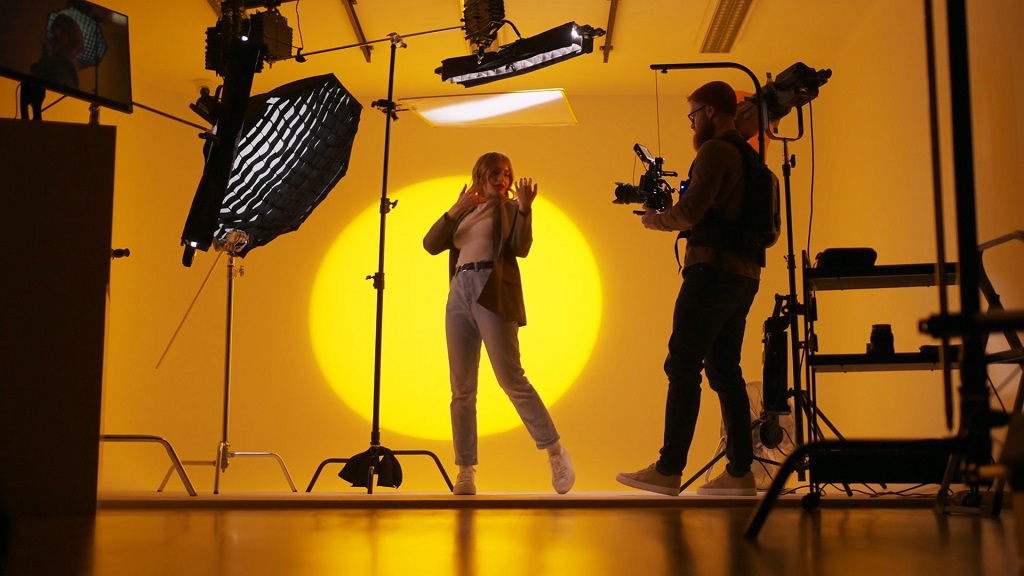
Select a performance, narrative, abstract, or hybrid format based on the song.
Performance videos focus on the artist singing, playing, or dancing. Narrative videos tell a story. Abstract videos rely on color, movement, symbols, texture, and mood. Hybrid videos combine these formats.
Once the format is selected, identify the people needed to bring the concept to life.
Artists planning narrative scenes, choreography, or fashion-focused visuals can use a Zodel modeling agency alternative to find models who match the video’s style, location, and production needs.
Build the concept around one strong element, such as a location, object, symbol, action, costume, or lighting setup. Repeating that element helps connect separate scenes.
Visual metaphors can strengthen the lyrics without showing them literally. Empty rooms, distant framing, or blocked views can suggest isolation more effectively than obvious storytelling.
Keep the concept simple enough to execute well. One focused idea usually looks stronger than several unrelated ideas.
Plan the Visual Style
Choose a limited color palette, one or two fonts, and a clear visual mood before filming.
Use two to four main colors across lighting, wardrobe, props, locations, set pieces, and graphics. Possible moods include cinematic, gritty, playful, minimal, raw, retro, futuristic, or abstract.
Create a storyboard for key frames, movement, lighting, and transitions. Pair it with a shot list that includes:
- shot size
- camera angle
- movement
- lens
- frame rate
- location
- performer
- props
- technical requirements
Fast editing requires more coverage. Record wide shots, medium shots, close-ups, detail shots, moving shots, and static shots.
Use other music videos as references for lighting, framing, color, wardrobe, or editing. Adapt those ideas to the artist instead of copying them.
Prepare the Production
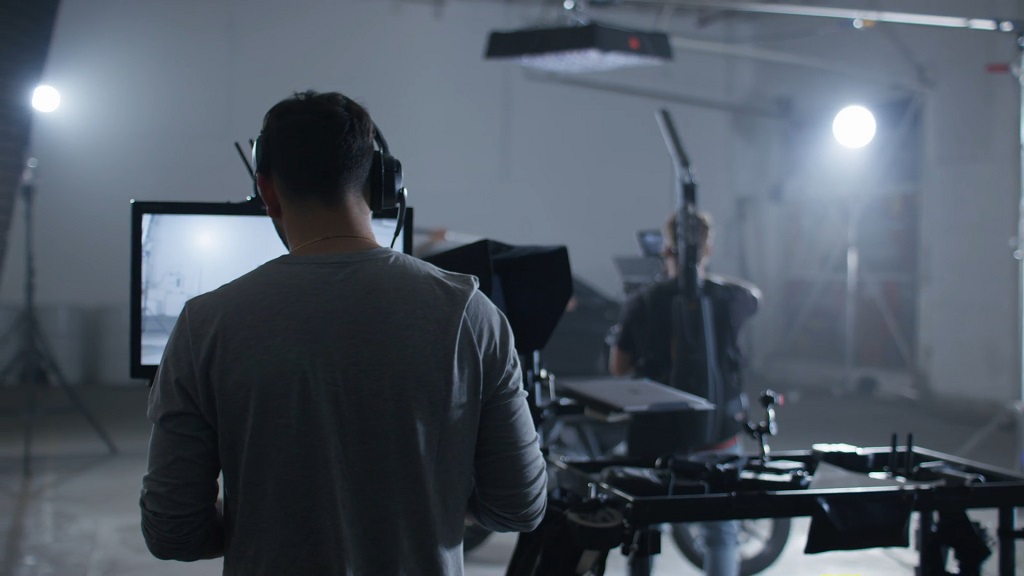
Set a budget that covers the full production, including:
- crew
- performers
- equipment
- locations
- permits
- props
- costumes
- transportation
- meals
- insurance
- post-production
Scout each location for light, space, sound, power, parking, safety, and filming permissions. Visit at the same time of day planned for the shoot when possible.
Rehearse at the location to test performance blocking, camera movement, lighting, playback, costume movement, and lip-sync.
Plan green-screen scenes, graphics, animation, and visual effects before filming. Some effects require specific framing, lighting, tracking markers, or camera movement.
Secure music rights, location permissions, and performer release forms. Artwork, logos, products, and recognizable people may also require clearance.
Capture Strong Footage
Record several complete performance takes at different distances and angles.
Wide shots show movement and location. Medium shots balance performance and expression. Close-ups capture emotion, eye contact, and lip movement.
Match camera movement to the song. Handheld footage can add urgency. Slow push-ins can increase tension. Smooth tracking can support choreography. Static shots can create control or stillness.
Prioritize believable performance. Genuine facial expression and body language often matter more than perfect choreography.
Use lens choice to shape the image. Wider lenses increase energy and space. Longer lenses isolate the performer and compress the background.
Use higher frame rates only when slow motion supports the song. Hair, fabric, smoke, water, and choreography often work well in slow motion.
Maintain accurate lip-sync by playing the final master track during every performance take. Ask the artist to sing at full intensity so facial movement looks natural.
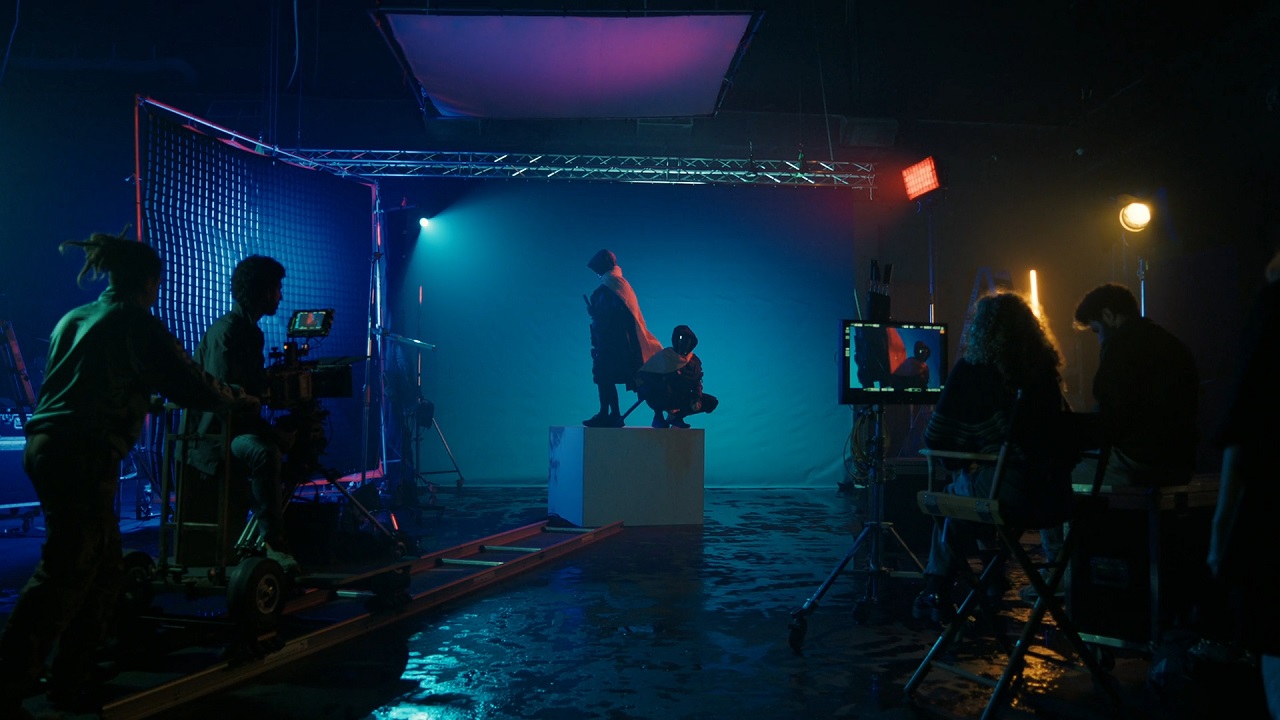
Give lighting careful attention. Control direction, softness, contrast, color, and exposure. Avoid relying only on overhead room lighting, which can create dark eye sockets and flat images.
Edit to the Music
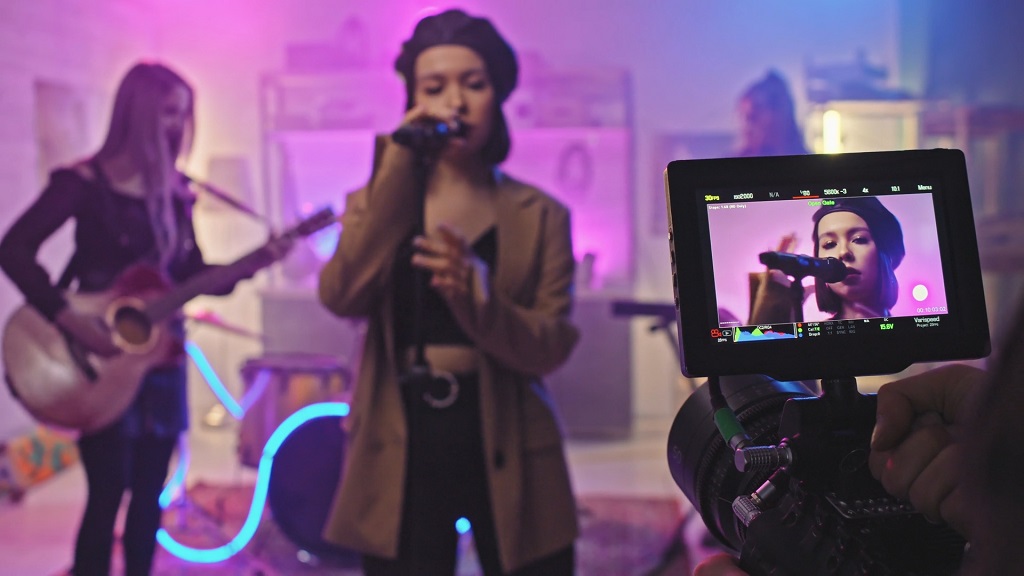
Synchronize every performance angle with the final audio track before editing.
Cut on beats, lyrics, musical changes, and emotional turning points. Avoid cutting on every beat, since constant rhythm can make the edit feel mechanical.
Change pacing across the song. Verses may use longer shots, while choruses and drops may use faster edits, stronger movement, or wider coverage.
Connect performance and narrative footage through matching movement, color, framing, symbols, or lighting.
Create seamless loops for visualizers and short social clips by matching the final frame with the opening frame.
Organize strong moments during editing so they can be reused in teasers, lyric clips, vertical videos, thumbnails, and countdown posts.
Use Effects Carefully
Correct exposure, white balance, contrast, and skin tones before applying stylized effects.
Use color grading to unify footage captured with different cameras, lighting setups, or locations.
Add graphics, text, filters, and transitions only when they support the music. Subtle options include:
- slow zooms
- light grain
- gentle pulses
- controlled distortion
- restrained glow
- simple text movement
Keep artist names, song titles, and lyrics readable on small screens. Use clear fonts, strong contrast, and enough spacing.
Test every graphic on a phone before export. Text that looks clear on a large monitor may be difficult to read on mobile screens.
Avoid excessive transitions, overlays, flashes, and animated elements. Too many effects can distract viewers and weaken strong footage.
Prepare for Release
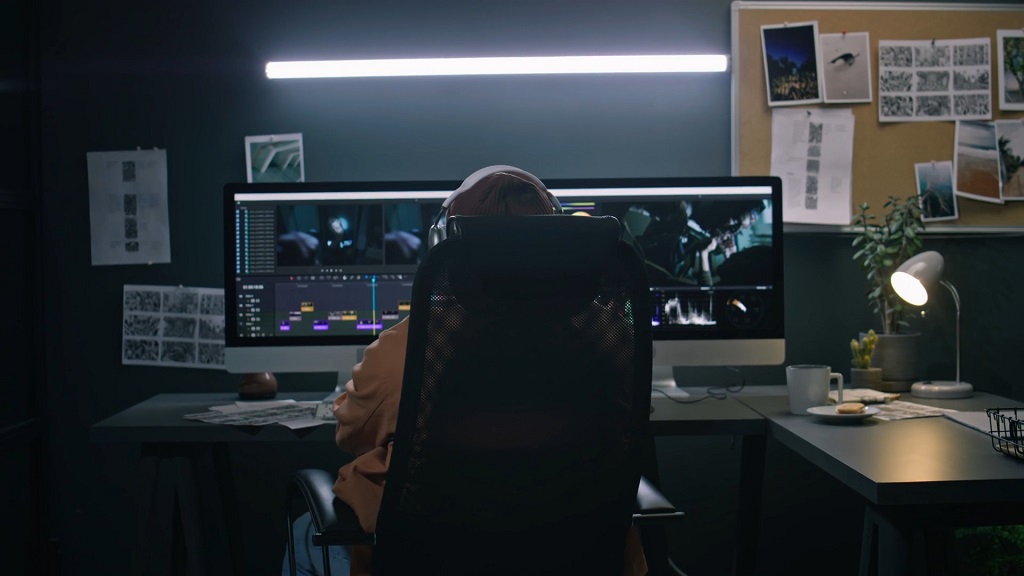
Export a high-resolution master before creating platform-specific versions.
Check resolution, aspect ratio, frame rate, audio settings, file format, and delivery requirements for each platform or broadcaster.
Prepare horizontal, square, and vertical versions. Reframe shots manually to protect faces, instruments, text, and important action.
Use a strong chorus, drop, lyric, or performance moment for promotional clips. Opening seconds should contain immediate movement, emotion, sound, or visual contrast.
Reuse colors, fonts, still frames, costumes, props, locations, and behind-the-scenes footage across thumbnails, teasers, countdown posts, and release graphics.
Confirm that music, footage, artwork, locations, products, and performances are cleared before publishing.
Watch every final version on several devices. Check audio sync, cropping, captions, spelling, text placement, image quality, and compression.
Summary
Professional music videos begin with careful attention to the song. A focused concept, consistent style, strong lighting, authentic performance, and music-led editing create polished visuals without relying on excessive effects or an oversized budget.
Every choice should support the track’s rhythm, emotion, lyrics, and artist identity. Final visuals should feel inseparable from the song.