
Stay with us and find out where the next one takes us.
- 7 Famous Chefs Who Started Their Careers Washing Dishes - October 23, 2026
- What Is the Best Month to Visit Hawaii? Weather, Beaches and the Best Things to Do - October 22, 2026
- Alice Cooper and Sheryl Goddard, The Tour Romance That Became a Marriage of Nearly 50 Years - October 22, 2026
Audio artifacts can cause listeners to reject a recording almost immediately.
A muffled snare, distorted effect, or poorly pitch-shifted vocal can break immersion in a livestream, video, or podcast within seconds.
Experienced listeners often notice irregularities in timing, tone, and clarity very quickly.
Professional sound design prevents those problems by keeping each audio element consistent with the intended mood and pacing.
Modern digital media moves quickly, so poorly normalized clips become obvious beside clean music, dialogue, and effects.
High-quality soundboard systems depend on clear, uncompressed assets that preserve detail and produce consistent playback with every trigger.
Why Does Sound Selection Impact Production Quality?
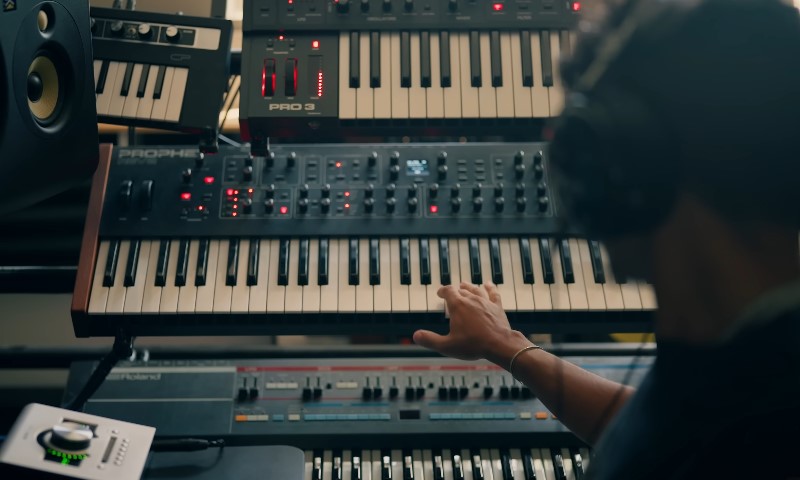
The timbre, texture, and intensity of a sound shape how the audience interprets a scene.
Audio can make a moment feel tense, humorous, dramatic, or calm before the visuals fully register.
Poorly matched clips weaken the production.
Large differences in volume, frequency range, recording quality, or background noise force the listener to process inconsistent input, which can cause fatigue and reduce clarity.
Sound selection must account for timing, tone, dialogue, music, and the technical quality of the final mix.
The Role of Audio Samples
Audio samples are individual recordings used in videos, podcasts, games, music, livestreams, and social media content.
They can include impacts, transitions, ambience, vocal reactions, musical phrases, and short effects.
A usable sample should be clean before processing.
Equalization, compression, pitch adjustment, and volume control can improve a recording, but they cannot fully repair clipping, distortion, or heavy background noise.
Important sample qualities include:
- clean recording with minimal noise;
- controlled peaks that do not overpower dialogue;
- enough frequency detail for editing;
- clean starts and endings for trimming, looping, or layering.
The sample must also match the project. A realistic door slam may suit a film scene, while an exaggerated version may work better in animation or comedy.
How a Soundboard Supports Production
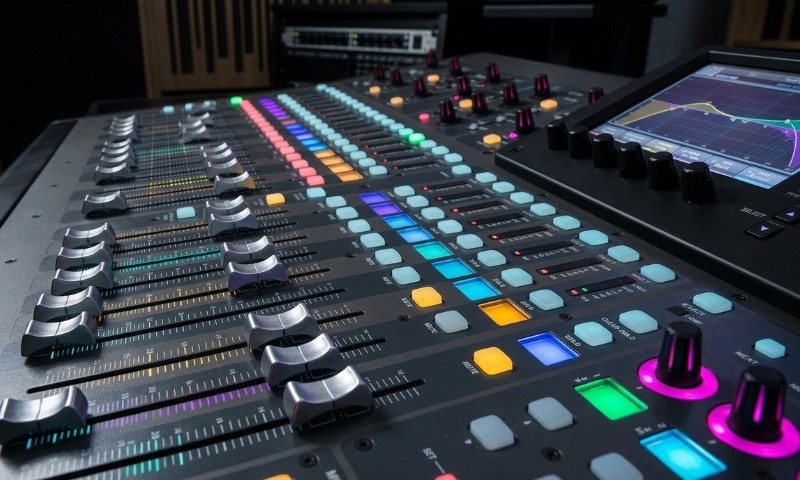
A soundboard organizes frequently used clips so they can be triggered quickly. It is useful for livestreams, podcasts, gaming content, radio, and live events.
Platforms such as soundboardbuttons.com give creators access to categorized sound buttons that can be used for reactions, transitions, notifications, and other production cues.
A practical soundboard may contain:
- reactions and audience cues;
- intros and outros;
- transition effects;
- notification sounds;
- branded audio signatures;
- filler clips for unexpected pauses.
Frequently used sounds should be placed in easy-to-reach positions and labeled clearly to reduce mistakes during live use.
Why Categorized Sound Banks Matter
Digital sound banks organize audio by mood, action, genre, duration, and file type. This makes it easier to compare several suitable samples instead of searching through unrelated folders.
A search for an impact sound, for example, may include cinematic hits, metallic crashes, cartoon effects, bass drops, and realistic collisions.
Standardized sound libraries also reduce problems with inconsistent formats, loudness, and file preparation.
Volume and Frequency Balance
Professionally recorded clips can still clash. One may contain heavy bass, while another sounds thin or overly bright. Their perceived loudness may also differ despite similar peak levels.
Volume normalization keeps clips within a consistent loudness range.
Frequency adjustment can remove rumble, reduce harshness, and create space for dialogue.
A sound effect that occupies the same frequencies as speech can make the voice harder to understand, even when the effect is not especially loud.
Matching Sound to Visual Timing
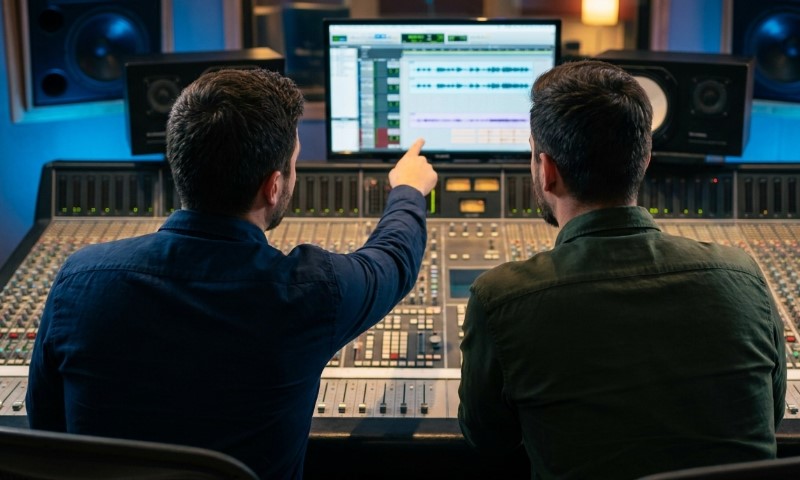
A sound effect must align with the visible action. The strongest part of the sound should match a hit, cut, movement, transition, or landing.
Even a delay of a few frames can make a short effect feel weak or disconnected.
Editors may trim silence, move the waveform, adjust playback speed, or choose a sample with a faster attack.
Layering Samples
Important moments often require several layers. A cinematic impact may combine:
- a low-frequency boom;
- a sharp transient;
- a metallic texture;
- a short reverberant tail.
Consistency Across the Project
Sound effects should share a similar production style.
Differences in reverb, stereo width, loudness, or recording environment can make individual clips feel disconnected.
Consistency is especially important in episodic and branded content.
Repeated audio cues create familiarity, while sudden changes in sound quality make the production feel uneven.
A single distorted, off-key, or poorly timed effect can disrupt an otherwise polished mix. Finding the right sample is a necessary part of production.
How Does Digital Audio Work?
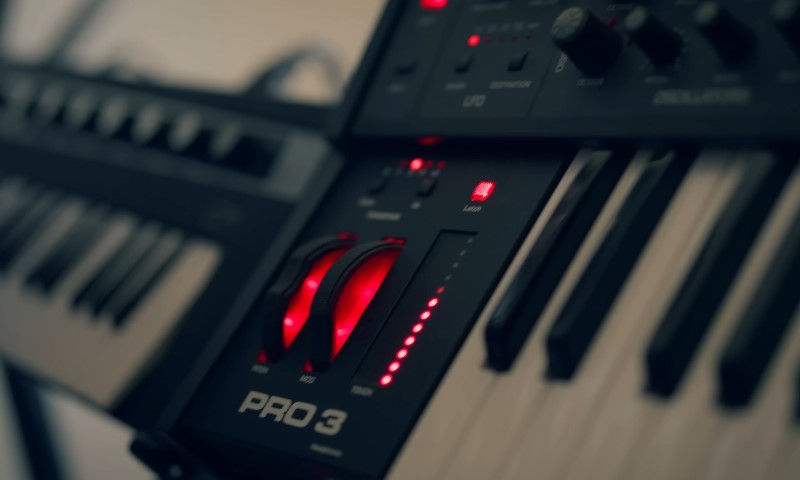
Digital audio converts an analog sound wave into numerical data.
During recording, the system measures the waveform at regular intervals and stores each measurement as a digital value.
Playback reverses the process by converting those values back into an electrical signal that speakers or headphones reproduce as sound.
Accurate conversion depends on several technical settings:
- sample rate controls how often the waveform is measured;
- bit depth controls how precisely each measurement is stored;
- file format determines how the data is saved, compressed, and transferred;
- processing quality affects how the audio responds to editing, mixing, and export.
These settings must be compatible across recording, editing, and playback systems.
Mismatched sample rates, unnecessary conversions, and low-resolution source files can introduce distortion, timing problems, or loss of detail.
The phonograph, introduced by Thomas Edison in 1877, marked an early stage in recorded sound.
Modern production uses digital systems that provide far greater control over editing, duplication, synchronization, and signal quality.
The Importance Of Bit Depth
Bit depth determines how many amplitude values are available for each sample.
A higher bit depth allows the system to represent smaller changes in level and provides more room between quiet signals and digital clipping.
A 24-bit file has a theoretical dynamic range of approximately 144 dB.
In practical production, this extra range gives engineers more headroom while recording and reduces the need to push quiet signals close to the noise floor.
The main differences between common bit depths are:
- 16-bit audio is widely used for final consumer playback, including audio CDs;
- 24-bit audio is standard in professional recording, editing, and mixing;
- 32-bit floating-point audio provides additional processing headroom in compatible software.
Higher bit depth does not automatically improve a poor recording, but it gives producers more flexibility during gain adjustment, compression, equalization, and mastering.
Defining Sample Rates
Sample rate refers to the number of waveform measurements taken each second. A rate of 44.1 kHz records 44,100 samples per second, while 48 kHz records 48,000.
The Nyquist-Shannon sampling theorem states that the sampling rate must be greater than twice the highest frequency being captured.
Since the upper range of human hearing is commonly placed near 20 kHz, a 44.1 kHz sample rate can represent frequencies slightly above that limit.
Common sample rates are selected according to the final format:
- 1 kHz is commonly used for music and audio distribution;
- 48 kHz is standard for video, film, and broadcast production;
- 2 kHz, 96 kHz, and higher rates may be used during specialized recording or processing.
All files in a project should ideally use the same sample rate.
Converting files repeatedly can add processing errors and create synchronization problems, particularly in long-form video and multitrack sessions.
What Causes Latency in Soundboard Software?
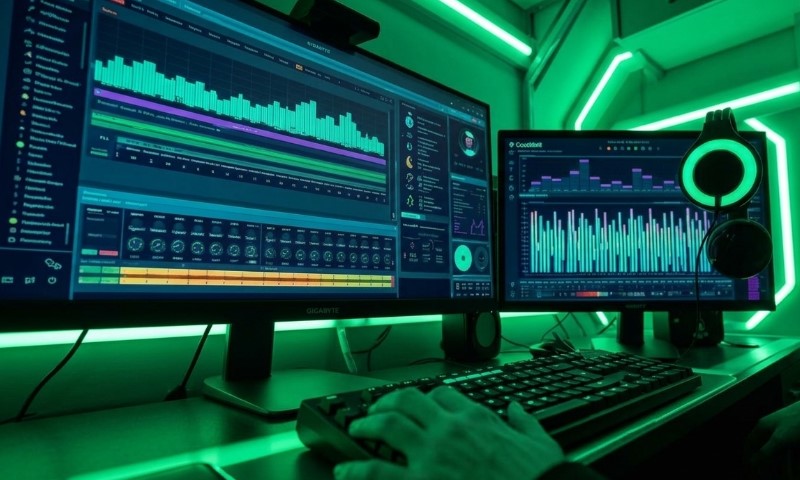
Soundboard latency is the delay between pressing a button and hearing the assigned clip.
In live content, even a delay of around 20 milliseconds can make the response feel disconnected from the action.
The main causes include:
- large audio buffer settings;
- inefficient device drivers;
- heavy CPU usage;
- slow browser or network performance;
- multiple audio devices competing for system resources.
Buffer size has the greatest effect on responsiveness.
Larger buffers improve playback stability but increase delay, while smaller buffers reduce latency and place more demand on the processor.
Audio drivers also affect how quickly software communicates with the operating system and connected hardware.
Efficient drivers reduce processing steps and help soundboard triggers play more consistently across microphones, speakers, mixers, and other interfaces.
How Do You Manage Copyright Compliance and Fair Use?
Copyright compliance starts with confirming who owns each sound effect and what type of permission applies. Viral clips are not automatically part of the public domain, even when they circulate widely across social platforms.
Sound recordings can receive separate copyright protection as original works.
Registration with the U.S. Copyright Office may involve fees starting at 65 dollars, depending on the filing method and type of application.
Using audio without permission, a valid license, or a clear legal exception can create financial and legal risk.
Fair use may apply in limited situations, but it depends on factors such as purpose, amount used, commercial impact, and transformation of the original material.
Creative Commons and public-domain libraries offer access to millions of works, but each file still requires a license check.
Some assets allow commercial use, while others require attribution, prohibit edits, or restrict monetized projects. Keeping records of licenses, purchase receipts, and download dates helps creators prove that each sound was used lawfully.